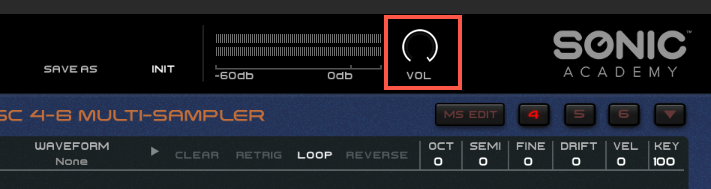
Is it possible to change the default volume for all presets? If so, how? I find 0 dB to be too loud, so setting all presets to -12 dB or so would be great. Thanks.
Hello there,
Which plugin are you using please ??
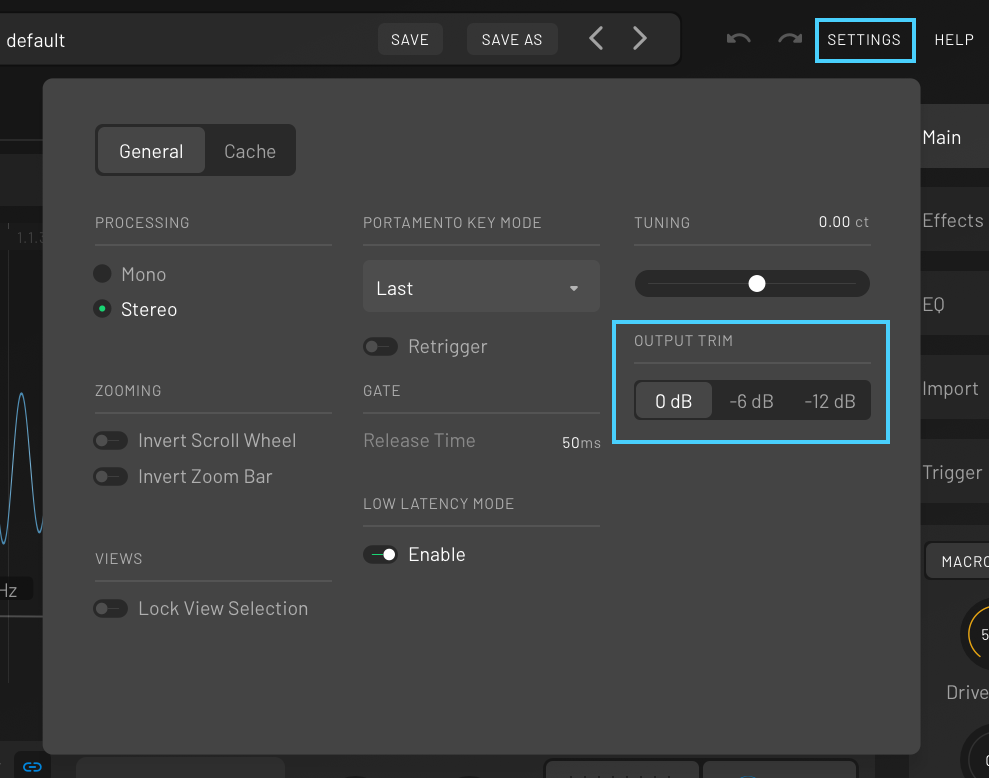
If it’s for KICK 3 there’s a global output level settings in the main SETTINGS panel that let you choose between 0dB / 6dB / 12db
Let us know if your question was about a different plugin 
Just for info : There’s a PLUGINS category on the forums, with sub-categories for each Plugin, you can post in there when you have question about a specific plugin rather than here which is more for Technical Problems or other Support related questions.
Sorry, this is regarding ANA 2.
Ah, OK then.
So there’s no way to set or lock the main global output volume for ANA 2, it will change each time you change preset. The reason for this is that presets can use multiple oscillators and also effects and you usually set the global output level for each preset to blend each layers ( oscillators ) to taste and the desired output.
The global volume knob is also not assignable to macro or automation.
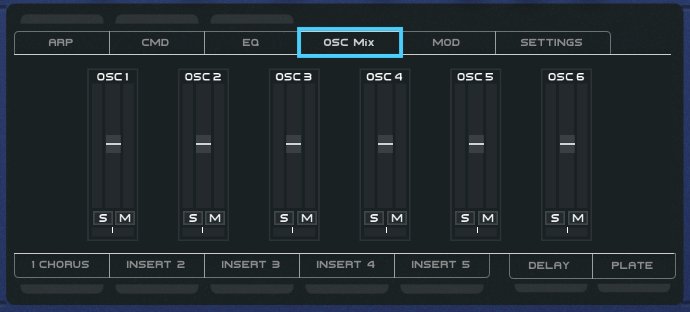
However, you can control each Oscillator’s level from the Mixer in the center panel of the plugin, and those faders are assignable to macros and automation.
The workaround for what you’re asking is to insert a volume control device/plugin after ANA 2 ( i.e : a Utility Device inside Ableton Live ) and use it to control the volume, however, you’ll get some change in volume as well when swapping presets, since all preset are not set to the same global output inside ANA 2 for the above reason, but a Utility device placed after ANA 2 can be helpful.