View Course
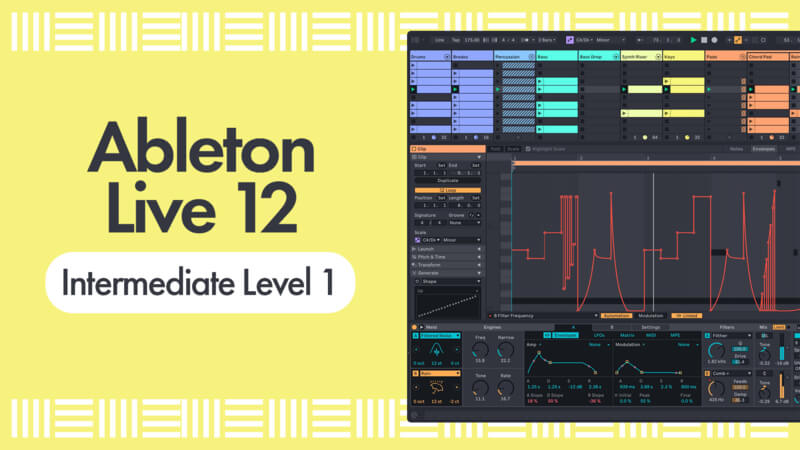
Following on from our Ableton Live 12 Beginner Level Courses, Ableton Certified Trainer P-LASK is back to literally take you to the next level!
In this easy-to-follow course, we take a deeper dive into the creative power of Ableton Live. Focusing on Session View, you’ll learn how to build basslines, arps, and lead sounds from scratch using MIDI effects and Instrument Racks—developing a versatile toolkit of synths and effects you can reuse in future productions.
Throughout the course, you’ll create a dynamic sketchpad of ideas and variations, giving you a bank of creative options to draw from. We’ll explore macros, generative tools, and scale-aware techniques to help you work faster, stay in key, and unlock new musical ideas with ease.
By the end, you’ll have a collection of arrangement-ready scenes and sections, setting you up perfectly to move into structuring a full track.
Whether you’ve just finished the beginner courses, or you’re an experienced Ableton user looking to refresh and expand your workflow, this course is packed with practical tips and pro techniques that will open your eyes to what Ableton Live is truly capable of.
Check it out!
Excellent information relayed here. Especially for working in Session View. Thanks!
1 Like
Ecellent teacher! will you be doing the advanced ableton course?
1 Like
@Ernesto_Lagos Welcome aboard onto the forums, and thanks for your comment 
There’s a Ableton Live 12 Tutorial for Intermediates - Level 2 course from P-LASK available 
Hope this helps further ! Cheers 
Some great techniques and tips
1 Like
Superb! I really learned a lot about Ableton.
1 Like
The last video is a waste of time, plus the teacher speaks so fast that it seems like he is rapping.
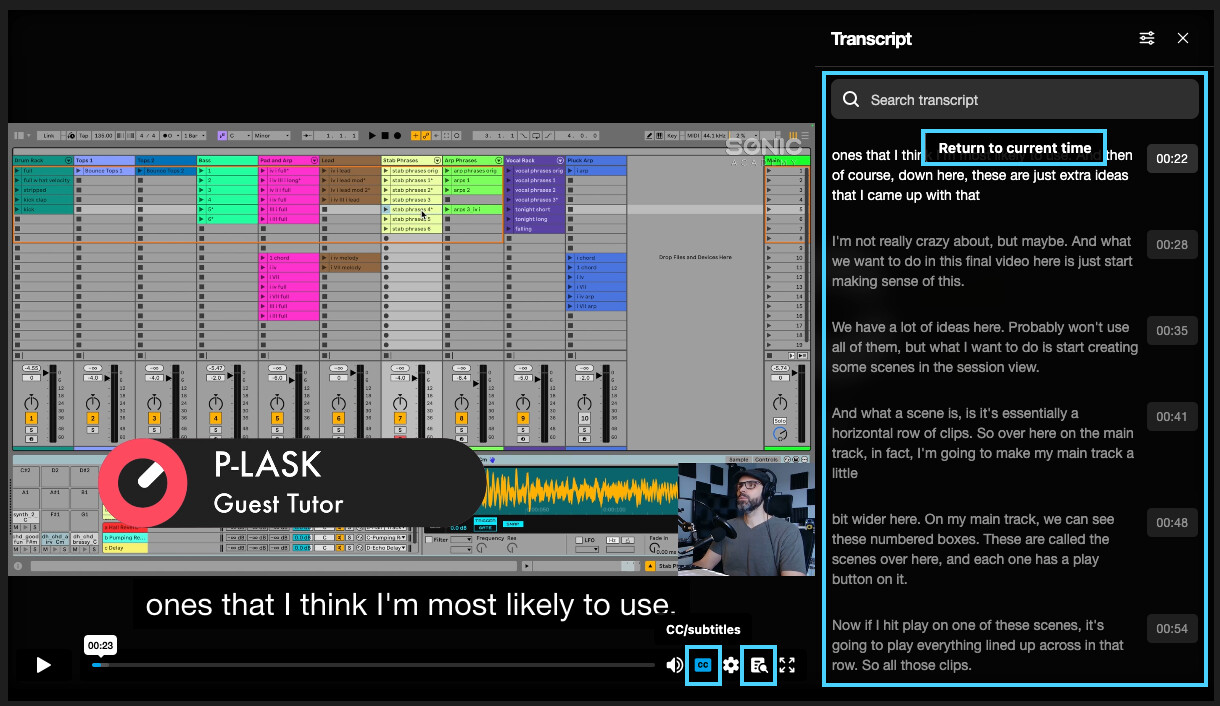
You can enable CC Subtitles and Also Transcript to help you follow along if the speech seems to fast at some points
Hello 
I’m trying to follow the course but the resources doesn’t include the initial project with the beats the instructor already did etc. In my case I only see the final project.
Is that normal? Should I create my own drums is that it?
Thanks
Hi there @Technoid and welcome onto the forums !
So yes, there’s only a final project which includes all what’s done through the different tutorials videos.
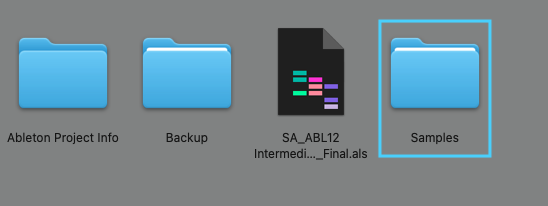
If you want to follow along and recreate everything from scratch, you can use the samples included in the resources download.
Hello
Thank you for you’re answer.
I was honestly a little confused because the course started right away with creating a bass. So I wasn’t sure if I should and how create the drums first.
Anyway, I just want to say that I did last week your Beginner courses of Ableton Live 12, Level 1 and Level 2 and those ones were perfect! Very good place to start.
I think I’m going to go back again to drum creation first again and will go back to this one later. I’m a total beginner
If you have any suggestions on what courses I should take first (for Ableton), kind of a mini playlist or something like that would be fantastic and help me a lot.
Thanks again and have a great day
Yes, so the Ableton Live 12 Beginner Level 1 and 2 tutorials ( you’ve already watched ) and then the intermediate Level 1 and 2 are the good ones to start with.
Ableton Live 12 Tutorial for Beginners - Level 1
Ableton Live 12 Tutorial for Beginners - Level 2
Ableton Live 12 Tutorial for Intermediates - Level 1
Ableton Live 12 Tutorial for Intermediates - Level 2
Also check the Tech Tips Vol. 106 - Ableton Live Session View course.
And here are some other Live 12 related courses ( from older to newest ) :
Ableton Live 12.1 - New Features You May Have Missed with P-LASK
First Look - Ableton Live 12 Scale Awareness and MIDI Tools with P-LASK
First Look - Ableton Live 12 Meld Synth with P-LASK
Ableton 12.3 New Features Explained with PLask
Ableton Live 12.3 - New Features with P-LASK
Chord Writing Tricks
Splicing Loops with Take Lanes with P-LASK
Layered Rompler Patched with Instrument Racks with P-LASK
Ableton Live Extensions with P-LASK
At some point, once you start to feel more comfortable with Live’s basics features, you want to try to create a complete track from scratch, check both “How to Make” and 'How to Sound Like" courses from tutors P-LASK and SENSHO
There are older courses using previous versions of Live as well that are still relevant.
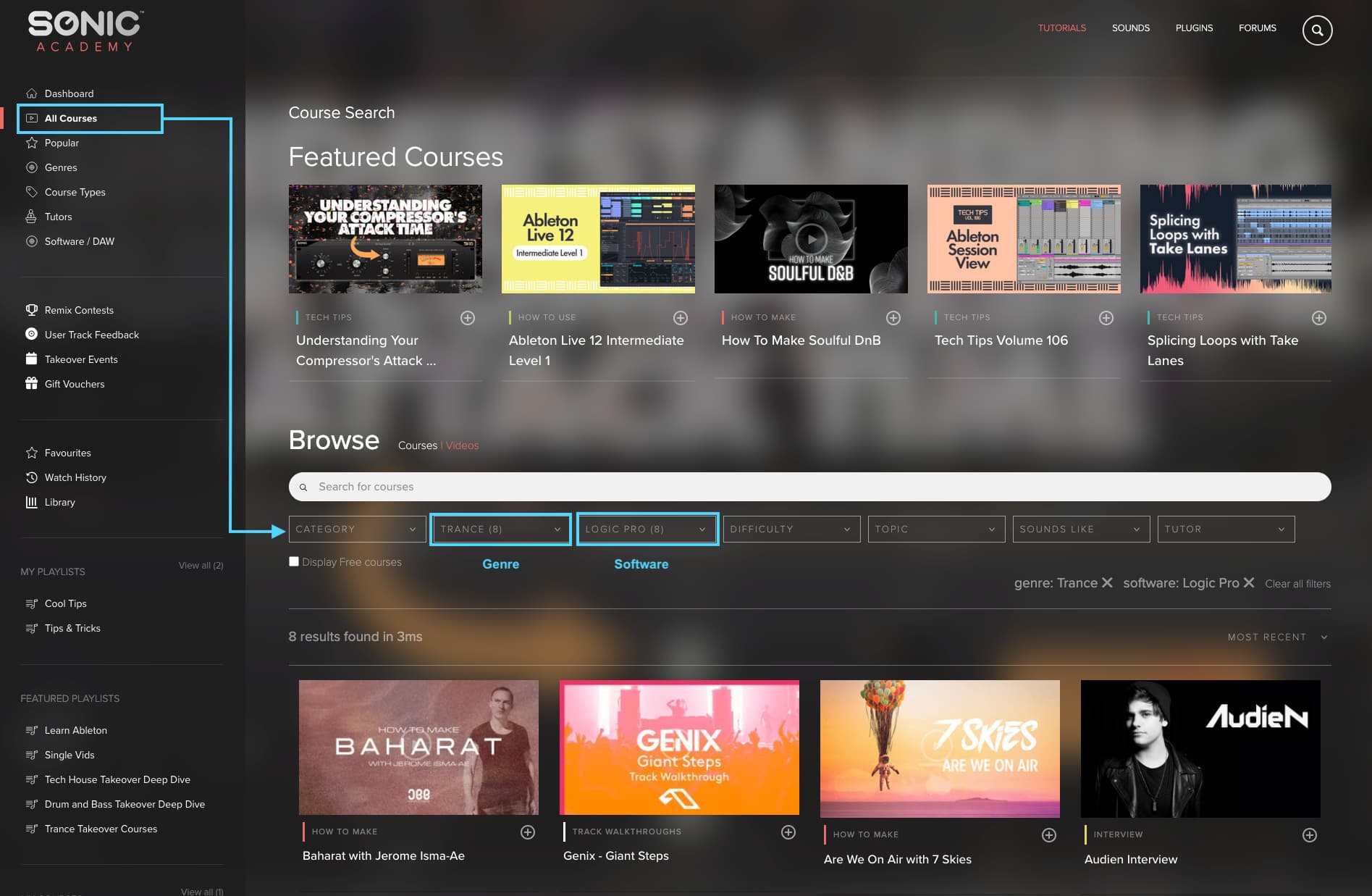
You can create your own courses Playlists, and I highly recommend to use search filters and keywords on the ALL COURSES page to find relevant courses based on it’s course’s type, genre, software used, tutors…etc.
Hope that helps !
Cheers
Thanks again for you’re feedback and useful suggestions.
I will follow you’re suggestions
Cheers
1 Like