View Course
Last month Bitwig Studio announced that version 5.0 is coming to users in Q2 2023 and will be a free update to anyone with an active upgrade plan at the time - (April 11, 2023). Currently available in Beta testing, Protoculture has been checking out some of the new features, and in these ten videos, he shares some of his favourites.
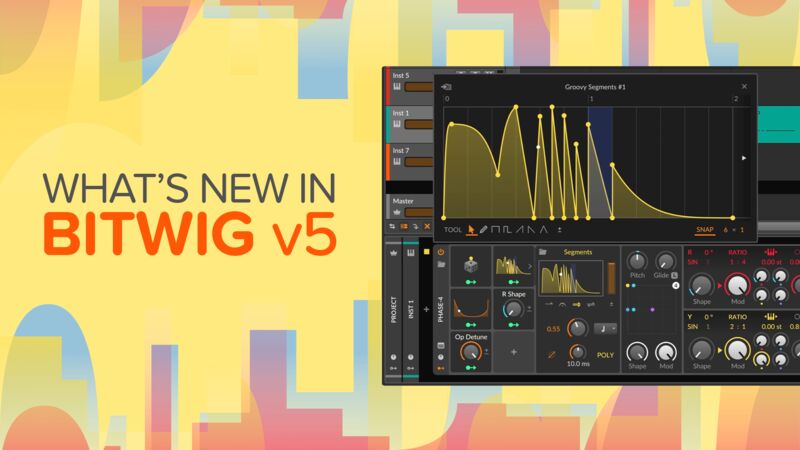
Already famed for its modulation capabilities Bitwig have stepped it up again by introducing new ‘Curve’ and ‘Segment’ modules. These, along with new ‘Wavetable LFOs’ and ‘Keytrack +’, mean the possibilities of modulating different parameters, both in Bitwig and with third-party plugins, are endless.
Here we look at how to create complex effects and modulations, all assigned to just one macro, once set up, can be saved and used again and again to speed up workflow and help with organic, evolving sound design techniques.
If you’re already a Bitwig user or thinking about switching, these are exciting times!
Check it out!
This DAW is unbelievable… made me switch!!! Great videos as always from protoculture. My go to tutor!!
1 Like
For the drum group: What is the advantage of a VCA Fader compared to a Tool device as first insert on the group?
First thing first : Bitwig does not offer a proper VCA Fader feature, so this is actually a workaround to simulate a proper VCA fader behavior with a macro, thanks to the new modulation features added in Bitwig 5.
What’s the advantage of a VCA fader ?
You can control the entire group output level without changing individual channel fader values : so if for example you’ve done some gain staging and have already balanced your Drums channels and adjust each channel fader, using this VCA Fader macro allows you to control the entire group output all together, but without changing your initial channels faders → you’ll increasing or decreasing all faders from your initial faders adjustments.
Not only this is a useful way to gain stage an entire Group/Bus output level, but as mentioned by Nate, if you’re placing a compressor on your Drums Group to glue your drums, it’s more practical to control what you’re sending into the compressor this way.
But again, this is one way to simulate a proper VCA Fader feature ( like you can find in Cubase or Studio One/Fender Studio for example ), not sure if you can get the same result with a tool device and using modulations as well.
Hope this helps !
Cheers 