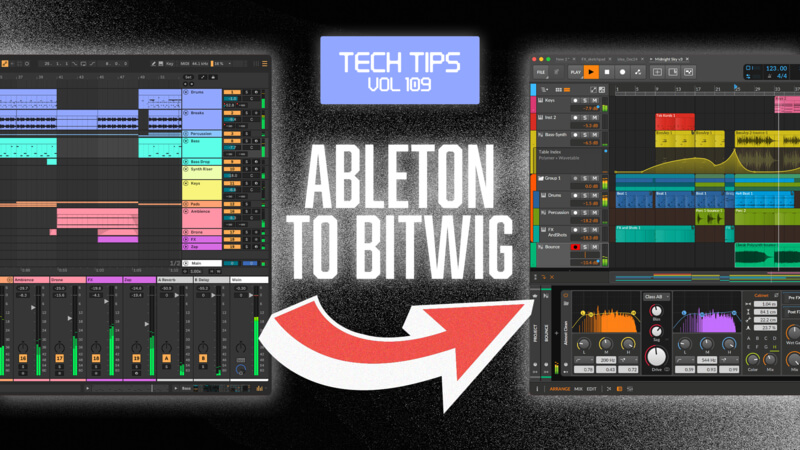
This week, we welcome back Ableton Certified Trainer — and now Bitwig Certified Trainer — P-LASK, who takes an in-depth look at what it’s like for an Ableton Live user to make the move to Bitwig Studio.
Across this series of Tech Tips, P-LASK highlights the features and workflows that will feel familiar, as well as the key differences you’ll encounter if you’re considering making the switch.
Moving from one DAW to another can be daunting, especially when you’ve been using the same software for years and muscle memory has taken over. But you might be surprised by just how many similarities there are — and how some of Bitwig’s workflow features could help you work more efficiently, spend less time searching, and focus more on making music.
And it doesn’t have to be an either/or decision. Ableton Live and Bitwig Studio can work alongside each other, opening up new possibilities for your production workflow.
So why not download a demo of Bitwig Studio, follow along with the Tech Tips, and discover what you might be missing?

